Two posters to choose from
SeatFlow prints two kinds of seating chart from the same plan. Both are a single sheet for an easel or a display board:
- Guest list: every guest A to Z by surname, with their table number. Guests look for their own name, so this is the quickest chart to read when a crowd arrives at once.
- Table poster: one block per table, in table number order, with the names at each table. It shows the whole room at a glance and makes a nicer photo.
Not sure which one? For a large wedding, the guest list moves people through the door faster. For a smaller one, the table poster is easy to read and looks more like a seating plan.
Seating chart size by guest count
The size depends on how many names have to fit and how far away people will stand to read them. SeatFlow suggests a size from your guest count:
| Size | Guests | Millimetres | Inches |
|---|---|---|---|
| A3 | Up to about 40 | 297 × 420 mm | 11.7 × 16.5 in |
| A2 | About 30 to 100 | 420 × 594 mm | 16.5 × 23.4 in |
| A1 | About 80 to 180 | 594 × 841 mm | 23.4 × 33.1 in |
| A0 | About 150 to 300 | 841 × 1189 mm | 33.1 × 46.8 in |
For 150 guests, SeatFlow suggests A1 (594 × 841 mm, 23.4 × 33.1 in) and also offers A0. In US sizes that is 24 × 36 in, or 30 × 40 in for the roomier choice (the nearest US boards: a print shop scales the same file to fit). Choose A1 for a chart read up close at a doorway; choose A0 if guests read it from a queue a few metres back, or if you have many long names.
The guest list also comes as an A4 handout that runs over as many pages as it needs, for printing at home or for the venue staff to keep in a folder.
If your print shop works in inches
A-series sizes are standard in the UK, Europe, Australia and most of the world. In the United States and Canada, print shops usually offer 18 × 24 or 24 × 36 inch posters. 24 × 36 in is the usual match for A1; 18 × 24 in is close to A2. Ask them to fit the PDF to the nearest size: the chart keeps its shape, so expect a white margin on two opposite edges, about an inch top and bottom on 24 × 36 in.
Four colourways
Every chart comes in burgundy, sage, gold, or black and white. The table number cards and place cards use the same colourway, so the whole set matches.
Getting it printed
- Check every name on screen first. A typo is free to fix in the planner and costs a reprint on foam board.
- Print the A4 guest list handout at home as a proof, and read it with your partner.
- Download the board at the size you want and send the PDF to a print shop.
- Ask for foam board if it will stand on an easel, or poster paper if it goes in a frame.
- Order it a week or so before the wedding, after the final numbers are in.
Table numbers and place cards
The same plan prints the smaller stationery as well:
- Table number cards: one large number per table, on a 5 × 7 inch card that any photo lab can print.
- Place cards: tent-fold cards with each guest's name, six to an A4 sheet with fold and cut guides.
When a guest cancels the week before
Move or remove the guest in the planner and download the chart again. The poster is set from the plan every time, so it cannot drift from it.
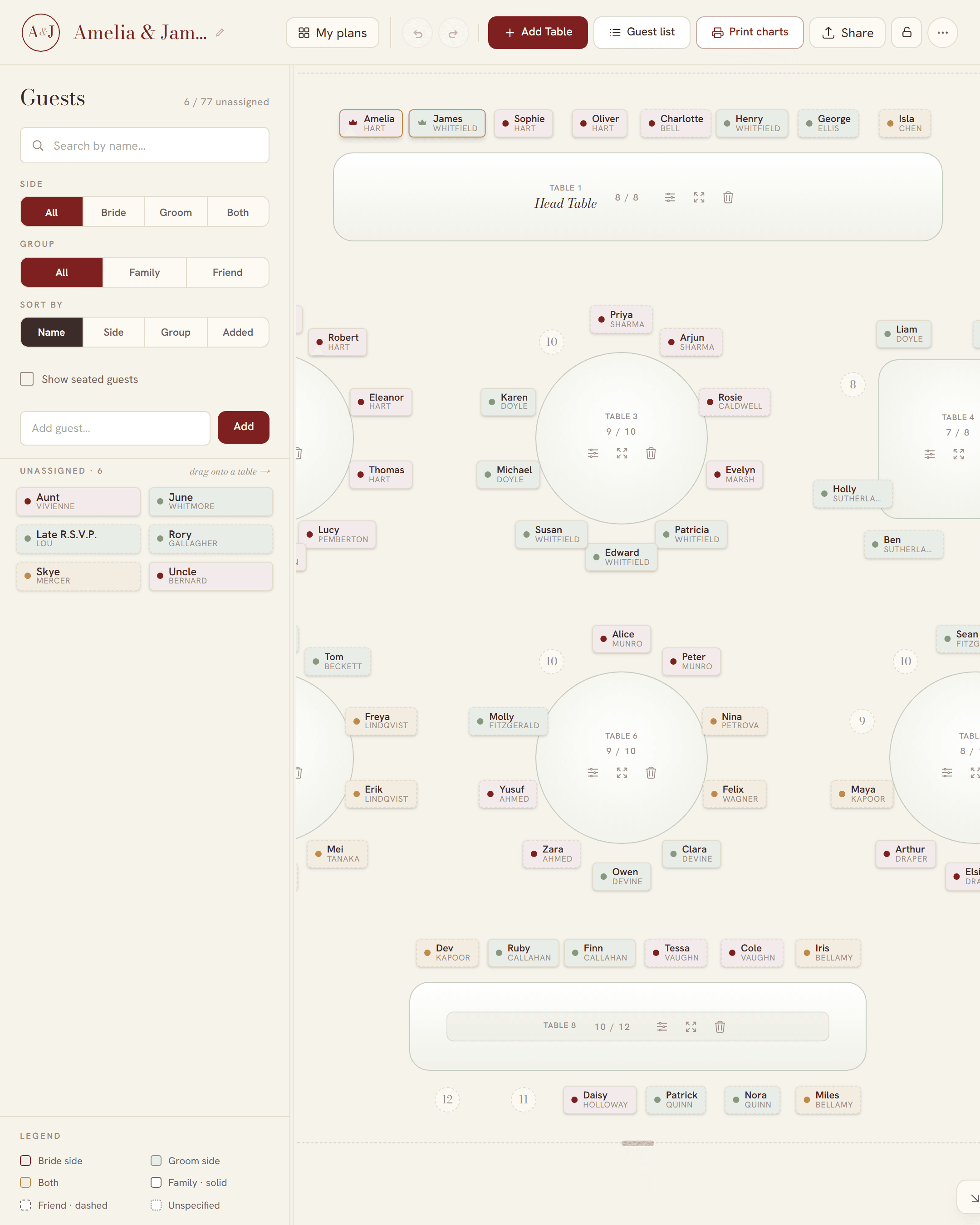
Before the poster: the plan
The poster is only as good as the plan behind it. If you are still working out who sits where, start with how to make a wedding seating chart, and if your guest list is in a spreadsheet, see making a seating chart from your guest list. Planning in the UK? Our wedding table plan guide covers the top table and UK board sizes.