How to choose
| Chart | How guests use it | Best for | Why |
|---|---|---|---|
| Alphabetical (A to Z) | Each guest finds their own name | About 80 guests or more | Fastest when many guests arrive at once |
| By table | Guests scan each table for their name | Up to about 80 guests | Shows the whole room; nicer in photos |
- If your tables have names instead of numbers, use an A to Z chart. Guests cannot scan a room for a name the way they scan for a number.
- If you assign seats, use an A to Z chart to send guests to their table, and place cards at the table for the seat.
The real question is how many guests stand at the chart at the same time. If guests walk in over half an hour, a chart by table can still work for 150 people. If everybody comes in at once after the ceremony, use an A to Z list even for 70.
Setting out an alphabetical chart
- Sort by surname, and write each line as Surname, First name. Guests look for the first letter of their surname.
- Put a large letter above each group (A, B, C), so guests can go straight to their letter.
- Give each guest their own line, including each partner of a couple and each child.
- A plus-one whose name you do not know goes on the same line as the guest who brings them: Okafor, Grace and Guest.
- A hyphenated surname goes under its first part, so Lee-Harrington is under L.
- Put the table number at the end of the same line, not in a separate column far away.
- Use columns. Several guests can read at the same time, and the whole list stays at eye height.
Names that are hard to sort
Some surnames have more than one word, such as Van der Berg or De Silva. Decide where you put them and keep to it. If you are not sure where a guest will look, ask them.
| Letter | Line on the chart | Table |
|---|---|---|
| O | Okafor, Grace and Guest | Table 2 |
| Okafor, Mia | Table 2 | |
| P | Patel, Priya | Table 4 |
| S | Smith, Tom | Table 4 |
| V | Van der Berg, Anna | Table 4 |
Setting out a chart by table
- One block per table, in table number order, so guests can find a table on the chart and then in the room.
- Inside each block, list the names A to Z, so a guest can check one table quickly.
- Keep the table numbers large. Guests look for the number in the room after they find their name.
- Leave the head table off if everyone at it already knows where they sit.
Printing either chart in SeatFlow
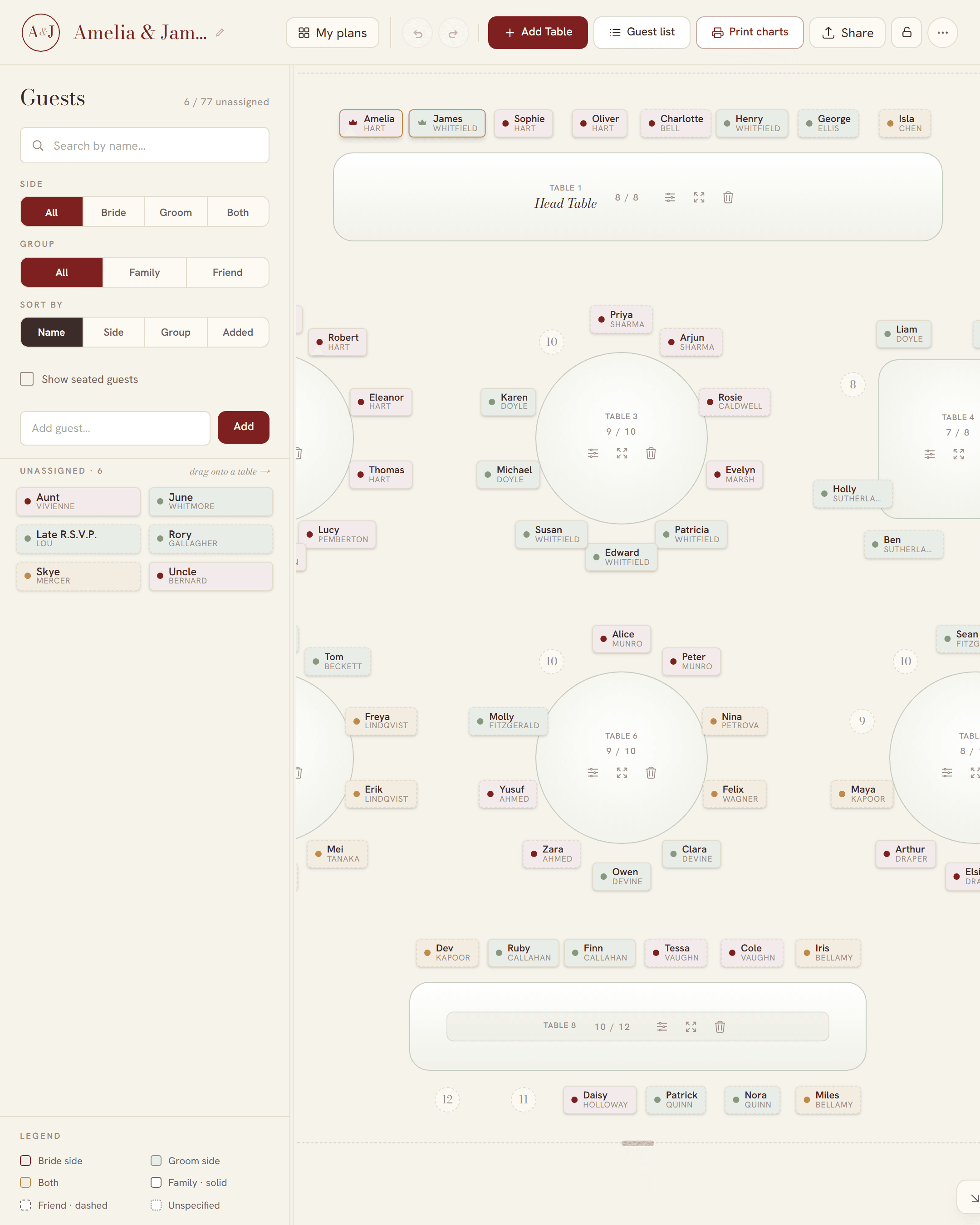
In SeatFlow you seat your guests in the planner, and it sets the chart from the plan. You do not type the names a second time. It prints both kinds:
- Guest list. Every seated guest A to Z by surname, written as Surname, First name, with a letter above each group and the table number on each line. SeatFlow uses the last word of each name as the surname, so Anna Van der Berg is listed under B. To list her under V, type her surname with hyphens (Anna Van-der-Berg), and the chart shows it that way. A plus-one is a guest of their own in SeatFlow: name them Guest of Grace Okafor, and they print as Okafor, Guest of Grace, under O next to Grace.
- Table poster. One block per table, in table number order, with the names at each table A to Z by the name as you typed it, so first name first. Tables print with their numbers, not their names, and every table with a seated guest prints, the head table too.
- Import your guest list or type the names in.
- Seat each guest at a table.
- Open Print & download and choose the guest list or the table poster.
- Choose a size. The guest list prints as one board from A3 to A0, or as A4 pages at home. The poster is a board from A3 to A0. SeatFlow suggests a board size from your guest count.
- Download the free PDF and send it to a print shop.
The PDFs are free, with no watermark. Guests who are not seated do not print, and a guest marked as declined never prints. For paper sizes and printing, see the printable seating chart poster and where to print it in Australia.