Three places to print it
Officeworks
Officeworks prints poster boards (a print mounted on board) in over 30 sizes, including A3, A2, A1 and A0. Its page lists two boards, 5 mm foamboard and 10 mm honeycomb board, with prices from A$27.00 a unit. That is the lowest price on the page, not the price for every size, so check the price for your size before you order. It says a PDF gives the best results, and it takes files up to 250 MB. The page gives no fixed time to print, so check the collection date when you order, before you pay. Its same-day printing page lists documents, business cards, marketing materials and cards, not poster boards, so do not count on collecting a board the same day.
Officeworks also prints PVC Foamboard Signs, a 3 mm board with a PVC layer that its page says suits indoors and outdoors, in A3, A2 and A1 from A$80.00 a unit. For a chart in a frame, its Colour Posters are paper only (160 gsm coated, or 200 gsm satin or gloss), A4 to A0, from A$7.50 a unit. Checked 4 November 2026. Facts from the Officeworks Poster Boards page, checked 4 November 2026.
A local print shop
Ask a local print or sign shop for a mounted poster on foam board at your size, and ask how soon they can print it. They can check the file with you at the counter.
An online printer
Online printers send the board to you. Leave time for delivery, and for a reprint if a name is wrong.
Which size to ask for
| Size | Guests | Millimetres |
|---|---|---|
| A3 | Up to about 40 | 297 × 420 mm |
| A2 | About 30 to 100 | 420 × 594 mm |
| A1 | About 80 to 180 | 594 × 841 mm |
| A0 | About 150 to 300 | 841 × 1189 mm |
Guests read the chart from a step or two away, often several at once. If you are between two sizes, choose the bigger one.
Foam board, honeycomb board or paper
- Foam board is light and stays flat on an easel. It is the usual choice for a seating chart.
- A thicker board is stiffer, which helps on a large A0 chart. For a chart outdoors, Officeworks' PVC Foamboard Signs are the board its page says suits outdoor use.
- Poster paper (Officeworks' Colour Posters) costs less, but it curls. Use it only in a frame or behind glass.
How to order it
- Wait until the RSVP deadline has passed and your final numbers are in.
- Download the A4 guest list and the board at the size you want.
- Print the A4 copy at home and read every name with your partner.
- Send the PDF to the print shop, or take it in on a USB stick.
- Order about two weeks before the wedding. With less than a week to go, ring a local print shop.
- Ask the venue if it has an easel. A foam board stands on one without a frame.
Getting the PDF from your guest list
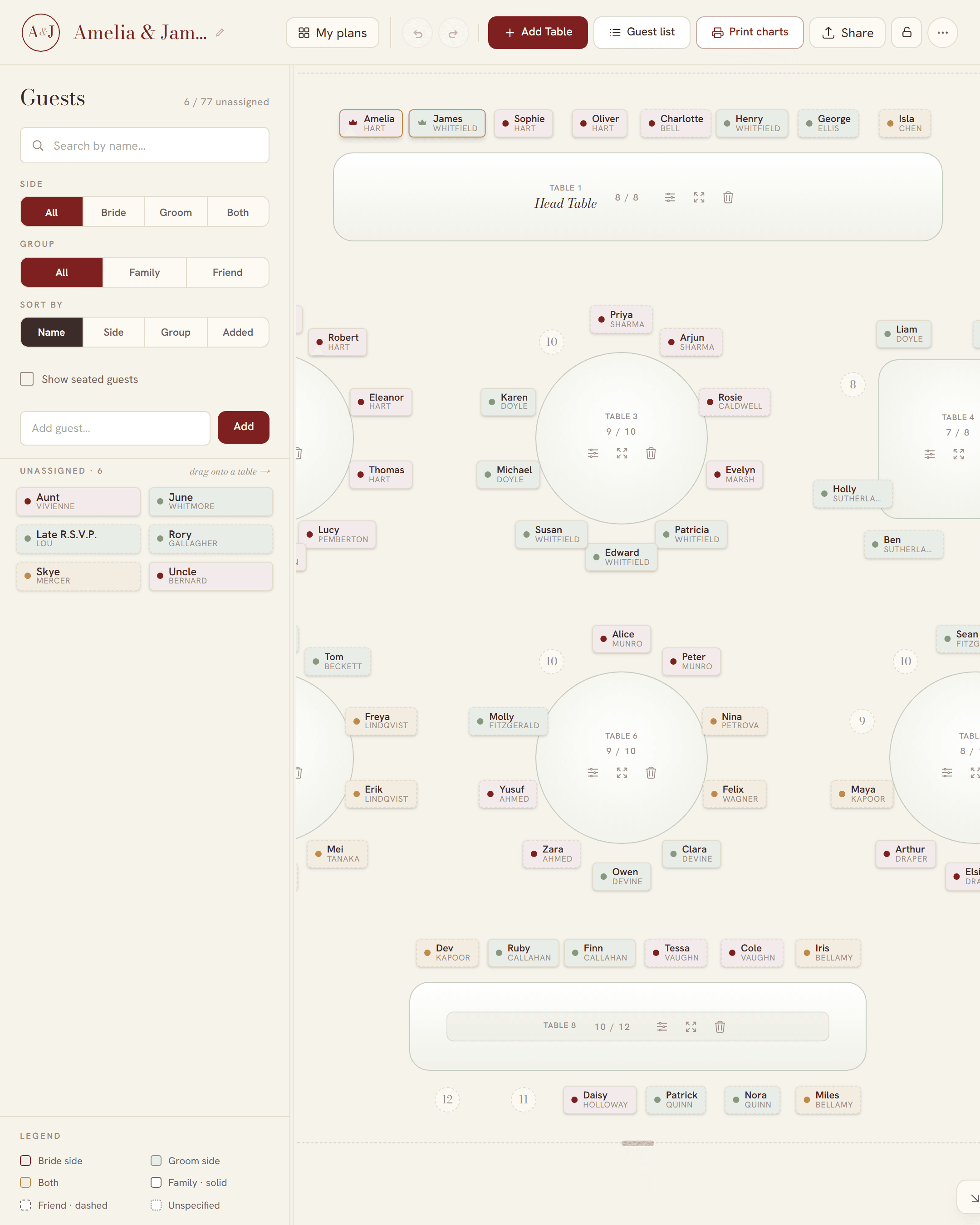
Most seating chart templates make you type every name into a design. In SeatFlow, you seat your guests in the planner and it sets the chart for you, sized to fit the paper:
- Two charts to choose from: a guest list A to Z with table numbers, or a table poster with one block per table.
- Sizes A3, A2, A1 and A0, plus an A4 guest list to print at home.
- Four colourways: burgundy, sage, gold, and black and white.
- Table number cards and place cards from the same plan.
- Every file is free, with no watermark and no sign-up.
If a guest cancels after you print, see last-minute seating chart changes. For the two kinds of chart, see alphabetical or by table, and for US paper sizes, see the printable seating chart poster.